Catch a minimum wage shortfall before payday
WagePilot checks pay against the National Minimum Wage and National Living Wage the way HMRC does: for each person, in each pay reference period, against the band that applies to their age and apprentice status. It warns you when you set a rate that is too low, and it flags periods where deductions or unpaid time pull someone under, with the workings shown.
Minimum wage checks in the app
Flags pay below the National Minimum or Living Wage for each person’s age band, apprentice status and pay period.
Click through it in the live demo, no sign-up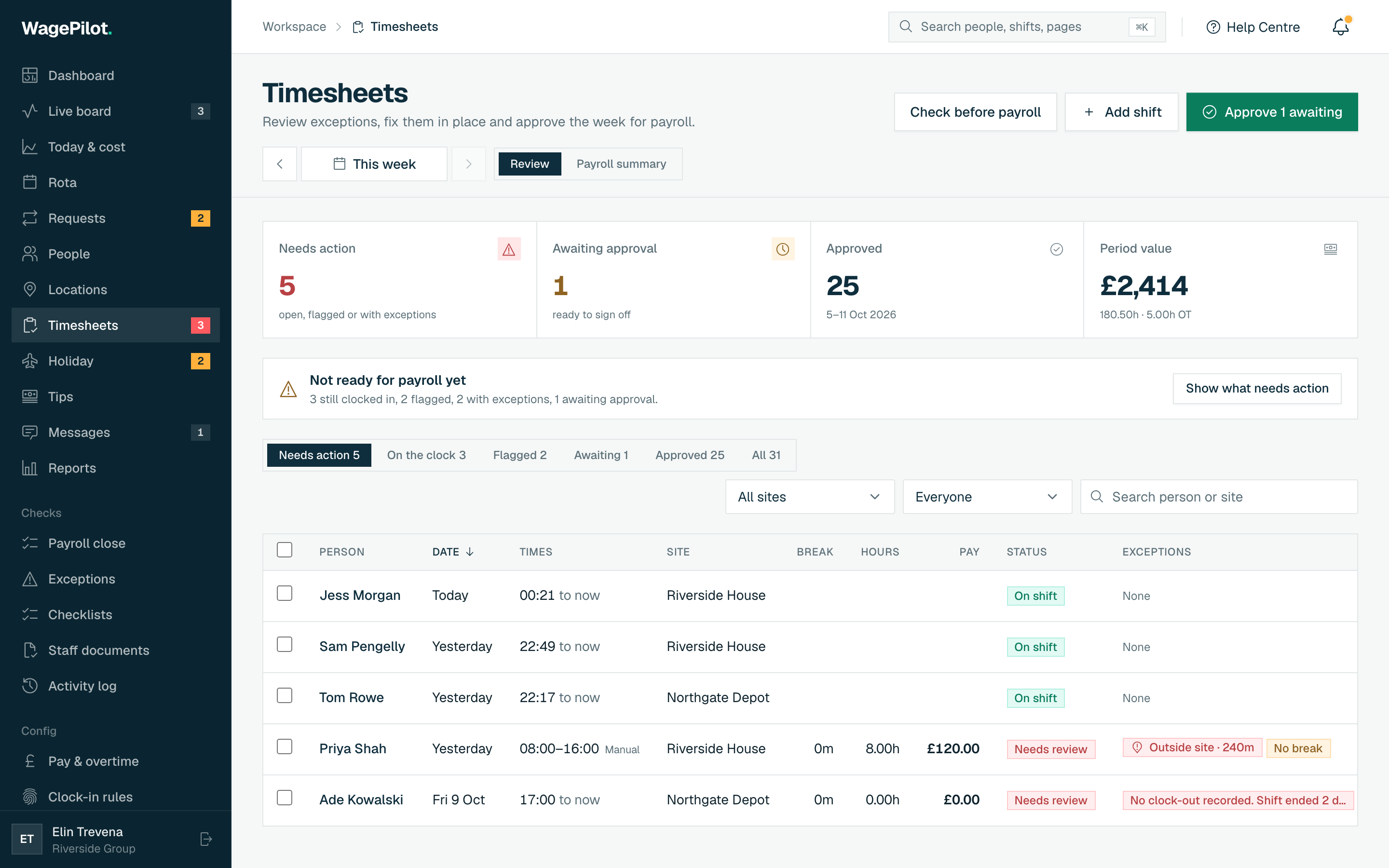
What you get
-
Rates checked against the right band: 21 and over, 18 to 20, under 18 and apprentice
-
Role rates checked too, not just the base rate
-
Checked per pay reference period, across every site the person worked
-
Accommodation offset and deductions for uniform, tools and meals included in the check
-
Apprentice rate flagged when the first year ends and the person is 19 or over
-
Rates updated every April, so the check moves with the law
How it works, step by step
-
1
Add each person’s date of birth and status
When you add someone, record their date of birth and whether they are an apprentice, with their start date. WagePilot refuses an implausible date of birth (for example one set to today), because an age of "0" would otherwise put someone in the under-18 band and let a rate far below the adult minimum pass.
-
2
Set rates, and see a warning straight away
When you set an hourly rate, and any role rates for that person, WagePilot compares each one with the band they are in. A rate below the minimum shows a warning with the gap, and you have to type a reason before you can save it, so a low rate is never set by accident.
-
3
Record accommodation and deductions
If someone lives in accommodation you provide, or you deduct for uniform, tools or meals, record it against them. These change the minimum wage maths, and the check needs to know about them.
-
4
Check each pay reference period
For each pay period WagePilot adds up basic pay across every site the person worked (premium parts of overtime and shift pay do not count, as the rules require), applies the accommodation offset and job-related deductions, and compares the result with hours worked multiplied by the band rate at the start of the period. Salaried staff are checked too, using their annual hours.
-
5
Fix it before payroll
Shortfalls are flagged with the figures behind them, so you can correct a rate or a deduction before the hours go to your payroll. Every rate change keeps its effective date and history.
Who it is for
Minimum wage checks matter most for businesses with younger staff, apprentices, live-in staff or lots of hourly workers near the minimum: hospitality, retail, care, cleaning and holiday lets in particular. These are also the sectors HMRC names most often for underpayment.
They are useful for any owner who sets rates once and forgets them. Rates rise every April, people have birthdays that move them up a band, and apprentices pass the end of their first year. WagePilot keeps watching so a rate that was fine last year does not quietly become an underpayment.
Related tools, guides and comparisons
More of what WagePilot does
Minimum wage checks: common questions
Which minimum wage rates does WagePilot check against?
How does it know which band applies to someone?
When can I pay the apprentice rate?
Does it account for accommodation and uniform deductions?
Does WagePilot guarantee I am compliant?
Is the minimum wage check on every plan?
Start running shifts on autopilot
Set up your first site this afternoon and watch the first shift tick up live. Free to start, never per head, flat per site as you grow.
Free for one site, up to 3 staff · no card to start · cancel anytime