Overtime worked out the way you pay it
Set your overtime policy once and WagePilot applies it to every shift. Overtime can start after a number of hours in a day, a number of hours in a pay week, or both, with escalating bands if your policy pays more the longer someone works. Bank holiday, Sunday and night premiums sit alongside, and any of it can be set differently for one site or one person.
Overtime and premiums in the app
Daily and weekly overtime, escalating bands and bank holiday, Sunday and night premiums, set for the business, a site or one person.
Click through it in the live demo, no sign-up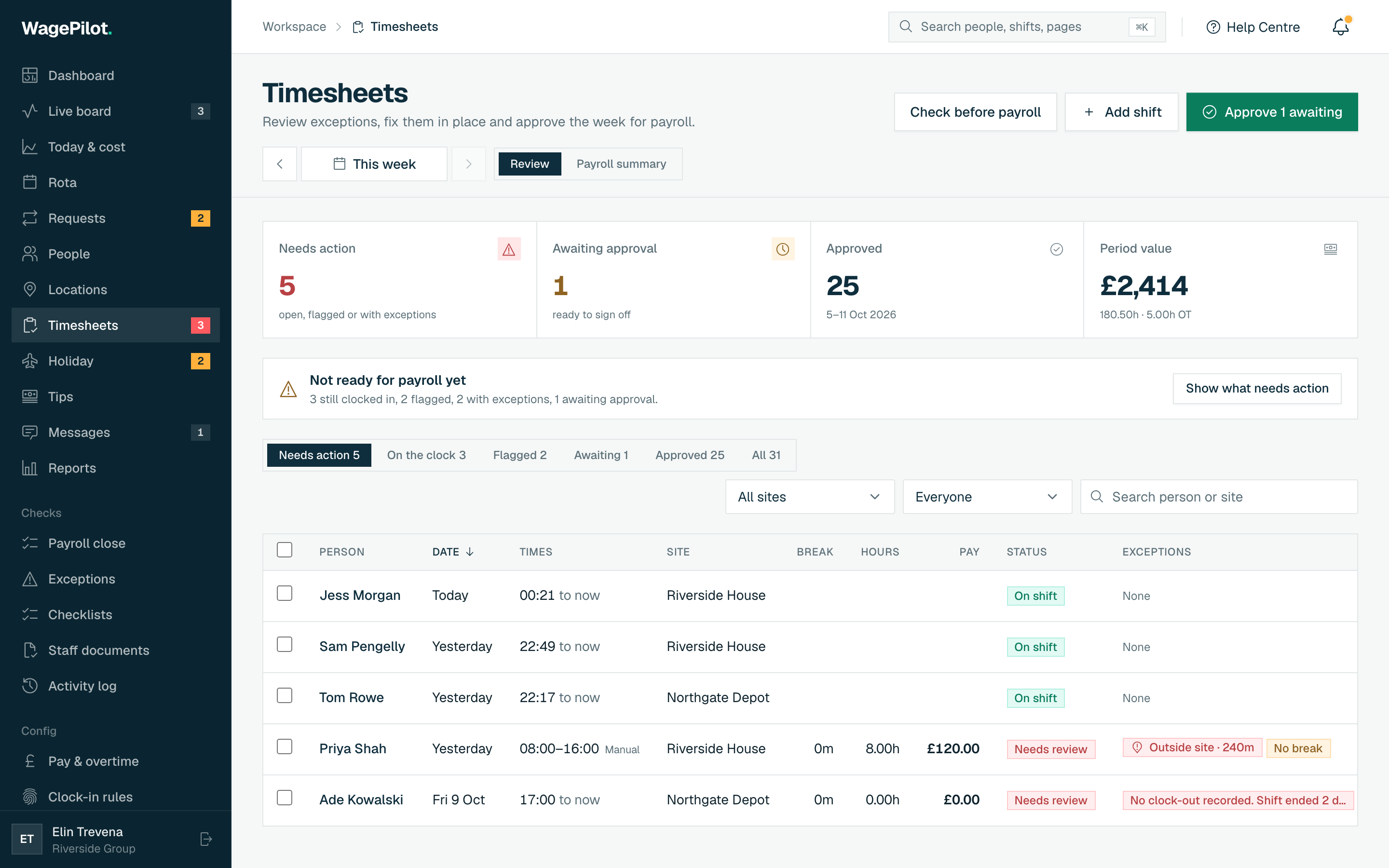
What you get
-
Daily overtime, weekly overtime, or both, each with its own multiplier
-
Escalating bands, for example 1.5x after 8 hours and 2x after 12
-
Set rules for the whole business, then override them for a site or a person
-
Bank holiday premium as a multiplier or a flat extra per hour
-
Sunday and night premiums, never stacked on the same hour
-
Staff see overtime building live on their phone while they work
How it works, step by step
-
1
Set your business overtime policy
Turn overtime on and choose when it starts: after a number of hours in a single shift, after a number of hours in the pay week, or both. Give each its multiplier, for example time and a half. Weekly overtime can have a different multiplier from daily.
-
2
Add escalating bands if you need them
If your policy pays more the longer someone works, add bands: 1.5x after 8 hours, 2x after 12, and so on. Bands work for daily and weekly overtime alike.
-
3
Override for a site or a person
A late-night venue or a single salaried supervisor may need different rules. Override the policy at site level or for one person; everything you leave alone is inherited from the business default.
-
4
Add bank holiday, Sunday and night premiums
Set a bank holiday premium as a multiplier or a flat extra per hour, and optional Sunday and night premiums with the night window you use. On a premium day the night premium is not added on top, so the highest premium wins and no hour is paid twice.
-
5
Review, approve and export
Pay weeks are worked out in UK time, whatever device anyone uses, with the week ending on the day you choose. Timesheets show normal and overtime hours side by side, and the export carries them through as estimated gross pay for your payroll. Staff see their overtime building live on their own phone during the shift.
Who it is for
Overtime rules are for any business that pays more beyond a set number of hours: kitchens covering a long Saturday, care teams picking up extra shifts, security officers on long rotations, and trades teams on site until the job is done. If you have ever worked out time and a half on a calculator on a Sunday night, this replaces that.
The cascade is built for owners with more than one site or more than one kind of contract. A city-centre bar and a daytime café can sit in the same account with different rules, and a single person on a special arrangement does not force a policy change for everyone else.
Related tools, guides and comparisons
More of what WagePilot does
Overtime and premiums: common questions
Is overtime a legal requirement in the UK?
Can I have daily and weekly overtime at the same time?
Can one site or one person have different overtime rules?
How are bank holiday hours paid?
Does WagePilot pay the overtime?
Is overtime included on the Free plan?
Start running shifts on autopilot
Set up your first site this afternoon and watch the first shift tick up live. Free to start, never per head, flat per site as you grow.
Free for one site, up to 3 staff · no card to start · cancel anytime