Hours proven at the job, pay worked out from them
Teams that start on different sites and rarely see the yard. WagePilot confirms clock-in by GPS at the job address, keeps the timesheet, and exports the hours, without continuously tracking anyone.
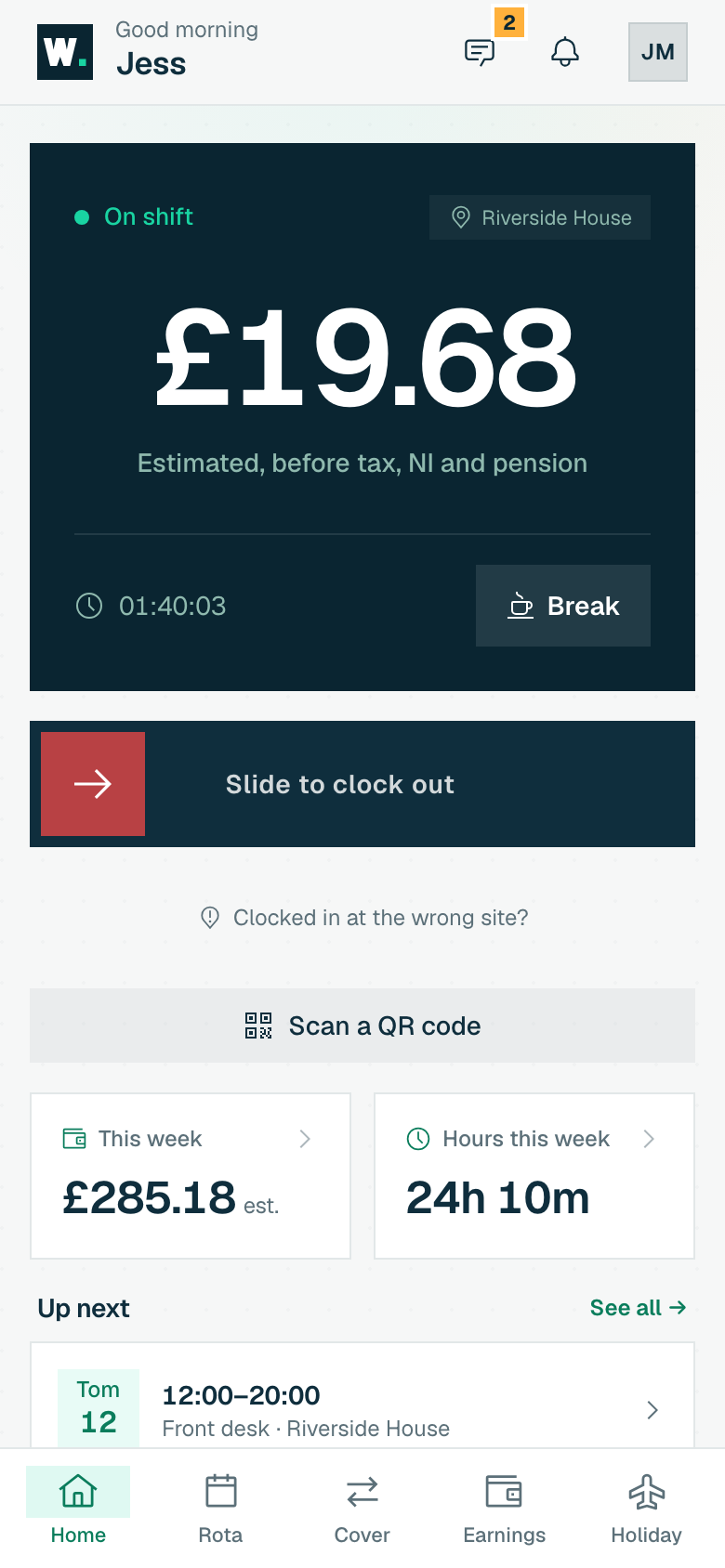
- GPS at the job, once. Location checked only at clock-in/out at the site address, never all day.
- Timesheets that hold up. Audited hours per job, ready to bill against and to back up payroll.
- Hours straight to payroll. Approve and export: no Friday-afternoon reconstruction job.
The bits that make shift work hard
The same leaks show up week after week, and most of them only surface on the payroll run, long after you could have done anything about it. Here's where the hours and the money usually slip.
Crews start off-site
No way to confirm who actually turned up to which job, and when.
Hours guessed at week-end
Timesheets reconstructed from memory and texts on a Friday.
Privacy worries
Staff (rightly) push back on "always-on" location tracking.
Hire anyone you like. The bill never moves
No per-head fees means you can grow the team without watching a meter: one site stays at £29 whether you're 3 people or 25. Open another venue and it's a flat £29 more, never per person.
| Your team | Typical per-seat tool | WagePilot |
|---|---|---|
| 3 staff | ~£12/mo | Free · 1 site |
| 25 staff | ~£100/mo | £29 · 1 site |
| 50 staff | ~£200/mo | £29 · 1 site |
| 80 staff | ~£320/mo | £58 · 2 sites |
| 150 staff | ~£600/mo | £87 · 3 sites |
| 200 staff | ~£800/mo | £145 · 5 sites |
Per-seat figures assume a typical ~£4/user/month all-in rate (many tools sit £3–£6/user). Indicative, for illustration.
A typical week for a five-person fit-out crew
Five operatives across four active job addresses, each set up as a site with its own geofence.
- Hours clocked, confirmed at the job address
- 200 hours
- Hours by job
- 78 / 64 / 40 / 18
- Estimated gross at an average £16.00/hour
- £3,200.00
- Location checks
- Clock-in and clock-out only
- WagePilot (4 active sites, Core)
- £116 a month; switch a site off when the job ends
Illustrative figures. WagePilot produces estimates from clocked hours for your payroll; it does not run payroll, tax, NI or payslips. Minimum wage rates shown are the April 2026 rates and change each April.
Sources for the rules on this page
The features that matter here
Related guides
Trades & site teams: common questions
Does WagePilot track my crew’s location all day?
Is this GPS time tracking?
How is a trades business charged?
Can the crew clock in on different sites each day?
How do the hours get to payroll?
Is travel between jobs working time for my operatives?
Start running shifts on autopilot
Set up your first site this afternoon and watch the first shift tick up live. Free to start, never per head, flat per site as you grow.
Free for one site, up to 3 staff · no card to start · cancel anytime