Scan the poster, you are clocked in
Every site gets its own QR code, printed as a poster for the staff entrance, the till or the kitchen door. Staff scan it with their phone camera and WagePilot opens straight on the clock-in for that site. Where GPS is weak, in a basement bar or a thick-walled kitchen, the poster gives them a reliable way in, and the punch still records a position whenever the phone can give one.
QR code clock-in in the app
Print a QR poster for each site. Staff scan it with their phone camera to clock in, and scan again to clock out.
Click through it in the live demo, no sign-up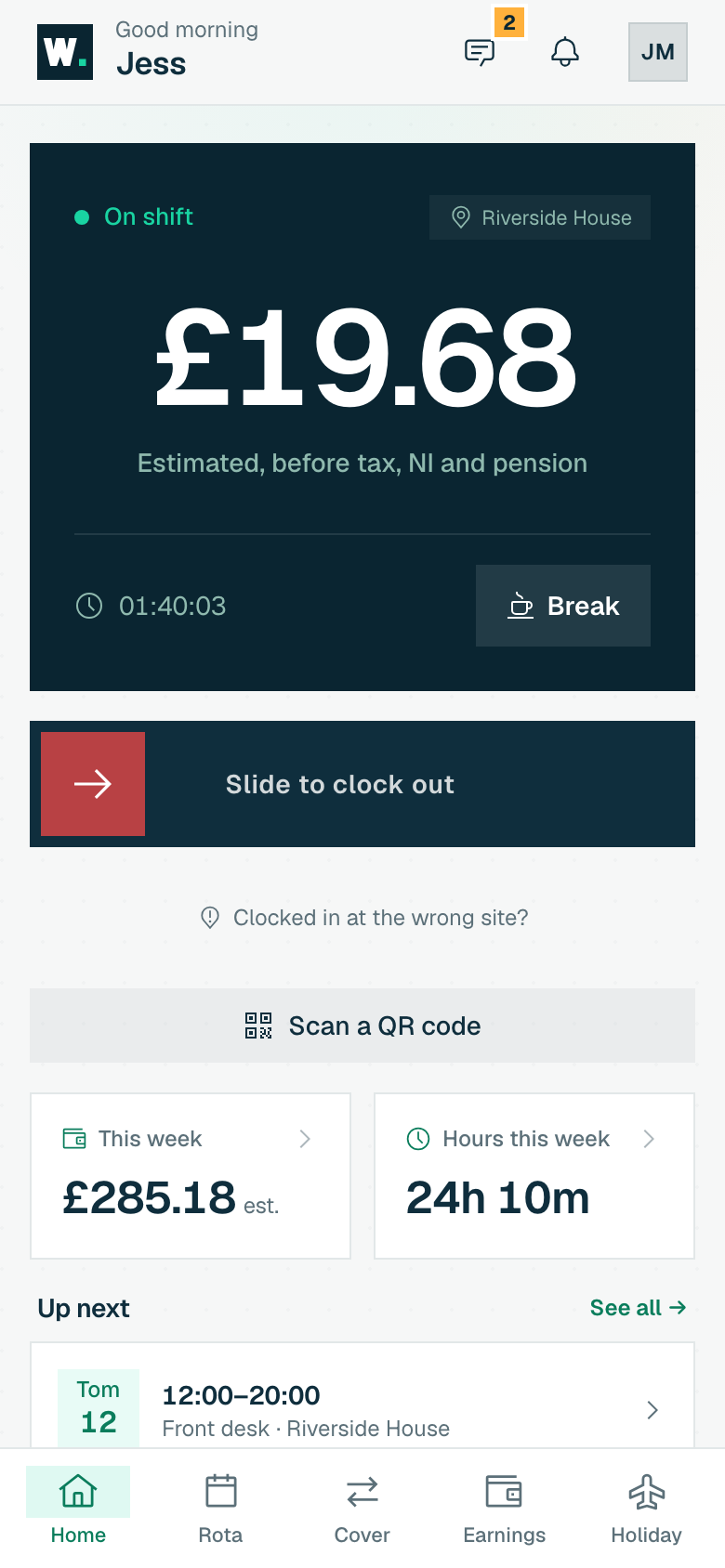
What you get
-
One printable QR poster per site, with a short code staff can type if the camera will not scan
-
Scan to clock in; scan again to clock out
-
Only staff assigned to that site can clock in there
-
Clocking out always works, whichever site’s poster is scanned
-
Regenerate a code if a photo of the poster gets shared: the old one stops working
-
Included on every plan, including Free
How it works, step by step
-
1
Turn on QR clock-in
Choose the clock-in methods your business allows. QR can sit alongside geofenced GPS and the kiosk, or you can switch it off entirely, in which case a scan tells staff plainly that QR clock-in is turned off for your workplace.
-
2
Print the poster for each site
Each site gets its own code. Print the poster and put it where staff arrive: the staff entrance, the till, the kitchen pass. The poster carries both the QR code and a short typed code as a fallback.
-
3
Staff scan with their phone camera
Scanning opens WagePilot on that site. WagePilot checks the code is current, that the person is signed in to their own staff account, that the site is active and that they are assigned to it. If all of that is true and they are not on shift, they are clocked in.
-
4
Scan again to clock out
If the person is already on shift, the scan clocks them out. Clocking out is never blocked: it works from any of your sites’ posters, and the shift is closed at the site where it was opened, so nobody is left on the clock because they left by a different door.
-
5
Review and approve
QR punches land on the audited timesheet with the method recorded. Review the week, correct anything with a logged reason, approve, and export the hours and estimated pay for your payroll software or accountant.
Who it is for
QR clock-in is the natural fit for sites where GPS struggles: basement bars, cellar kitchens, large buildings, hospitals and offices where a cleaning or security team works indoors all shift. It is also a good middle ground for owners who want a clear, physical "clock in here" point without buying or managing a shared tablet.
Because each poster belongs to one site, it works well for cleaning companies, security firms and trades teams that move between several client premises. Put a poster at each location and the punch records exactly where the shift happened.
Related tools, guides and comparisons
More of what WagePilot does
QR code clock-in: common questions
How does QR code clock-in work?
What stops someone clocking in from a photo of the poster?
Do my staff need to download an app?
Is QR clock-in included on the Free plan?
What if the camera will not scan the code?
Start running shifts on autopilot
Set up your first site this afternoon and watch the first shift tick up live. Free to start, never per head, flat per site as you grow.
Free for one site, up to 3 staff · no card to start · cancel anytime