Every class covered, every hour paid right
Instructors, PTs and front-desk cover that has to line up with the class timetable, often across more than one studio. WagePilot keeps the rota, the on-site clock-in and the labour cost straight, per studio.
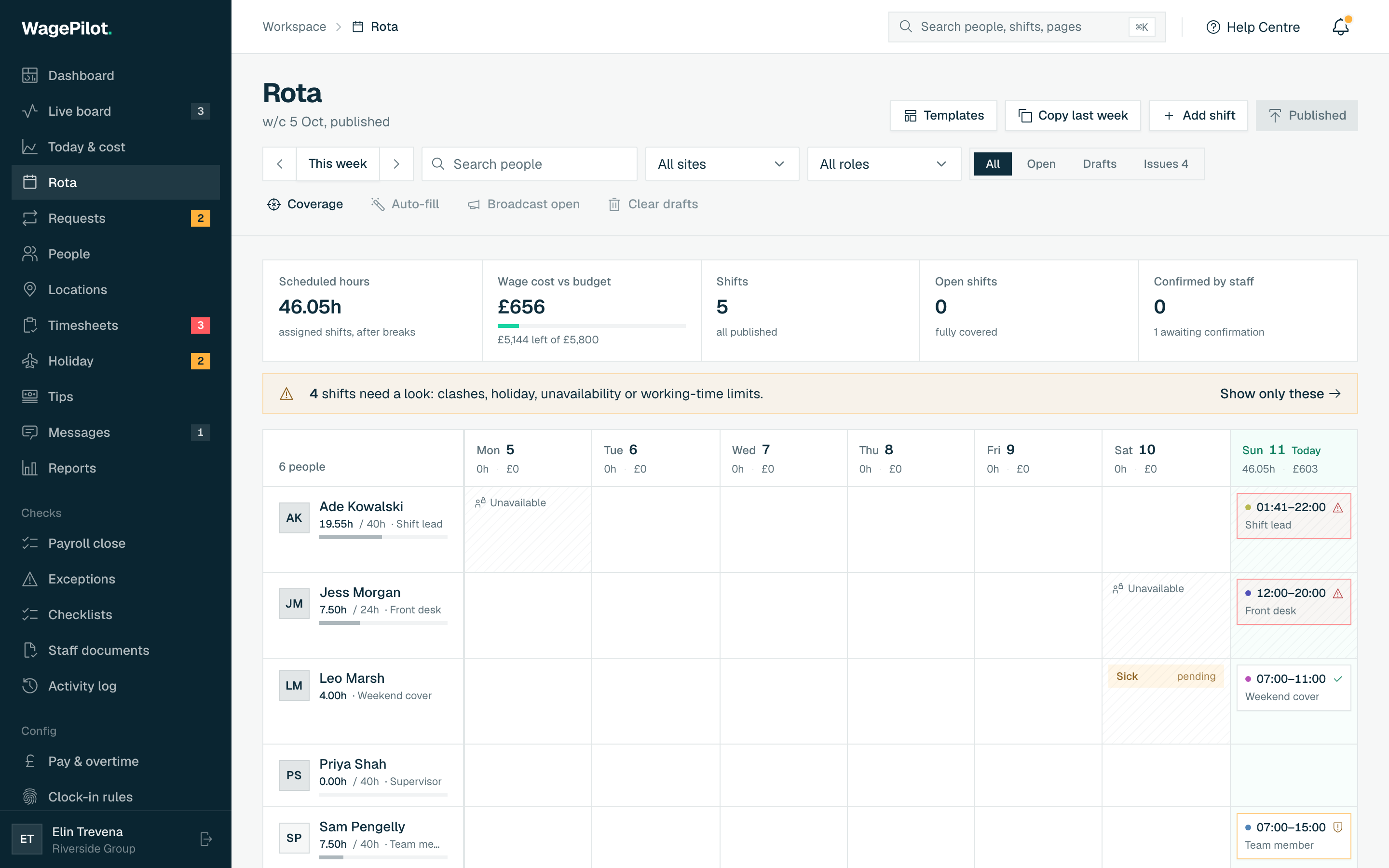
- Rota to the timetable. Build cover around your class schedule and publish to instructors’ phones in minutes.
- One board across studios. See who’s on across every studio, with a per-site geofence for clock-in.
- Labour cost per studio. Watch what each site is costing against its timetable, so quiet hours don’t bleed money.
The bits that make shift work hard
The same leaks show up week after week, and most of them only surface on the payroll run, long after you could have done anything about it. Here's where the hours and the money usually slip.
Rota vs class timetable
Cover has to match a class schedule that changes week to week.
Multi-studio sprawl
No single view of who is working where across two or three sites.
Casual instructor churn
Freelance and casual instructors make per-user pricing painful.
Hire anyone you like. The bill never moves
No per-head fees means you can grow the team without watching a meter: one site stays at £29 whether you're 3 people or 25. Open another venue and it's a flat £29 more, never per person.
| Your team | Typical per-seat tool | WagePilot |
|---|---|---|
| 3 staff | ~£12/mo | Free · 1 site |
| 25 staff | ~£100/mo | £29 · 1 site |
| 50 staff | ~£200/mo | £29 · 1 site |
| 80 staff | ~£320/mo | £58 · 2 sites |
| 150 staff | ~£600/mo | £87 · 3 sites |
| 200 staff | ~£800/mo | £145 · 5 sites |
Per-seat figures assume a typical ~£4/user/month all-in rate (many tools sit £3–£6/user). Indicative, for illustration.
A typical week across two studios
Fourteen instructors and front-desk staff covering 60 timetabled classes.
- Classes covered on the rota
- 60 of 60
- Hours clocked
- 230 hours
- Estimated gross at an average £14.50/hour
- £3,335.00
- Casual instructor working 9 hours
- accrues 1.09 hours holiday (12.07%)
- WagePilot (2 sites, Core)
- £58 a month
Illustrative figures. WagePilot produces estimates from clocked hours for your payroll; it does not run payroll, tax, NI or payslips. Minimum wage rates shown are the April 2026 rates and change each April.
Sources for the rules on this page
The features that matter here
Gyms & fitness: common questions
Can I rota staff around my class timetable?
Does it work across more than one studio?
How does it handle casual and freelance instructors?
Do self-employed instructors need to clock in?
How does holiday work for casual instructors on employment contracts?
Can front-desk staff use a kiosk instead of their phones?
Start running shifts on autopilot
Set up your first site this afternoon and watch the first shift tick up live. Free to start, never per head, flat per site as you grow.
Free for one site, up to 3 staff · no card to start · cancel anytime