Every shift change clocked, every hour accounted for
Days, lates and nights, peaks that double the headcount, and a queue at the clock when the shift turns over. WagePilot gives you a kiosk at the gate, rotas for every pattern, and checks on breaks, rest and the 48-hour week before the hours reach payroll.
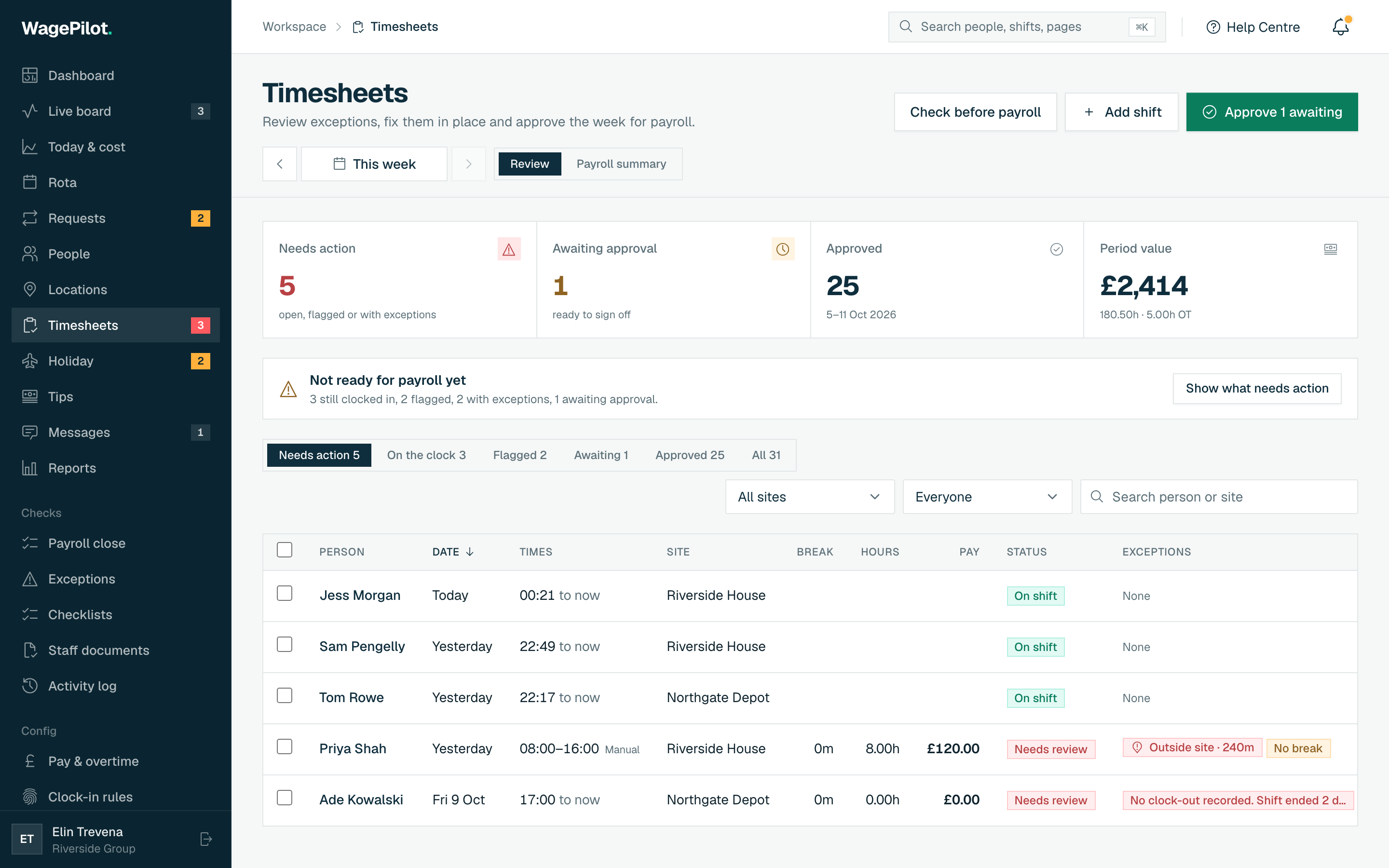
- Kiosk at the gate. A shared tablet with PIN or photo clock-in, plus phone clock-in by geofence or QR for anyone who prefers it.
- Peak staff, same price. Never charged per head: double the team for peak and the bill for that site does not move.
- Working time checks. Missing breaks, rest gaps under 11 hours and the 48-hour average are flagged before you approve the week.
- Clean hours to payroll. Approve audited hours and export a payroll-formatted CSV, with night and overtime premiums estimated.
The bits that make shift work hard
The same leaks show up week after week, and most of them only surface on the payroll run, long after you could have done anything about it. Here's where the hours and the money usually slip.
A queue at the clock
Forty people trying to clock in on one terminal at shift change, then arguing about the minutes.
Peak season headcount
Per-user software bills climb every time you add temps for Black Friday and Christmas.
Long weeks, short rests
Overtime on nights quietly breaks the 11-hour rest or pushes someone past the 48-hour average.
Hire anyone you like. The bill never moves
No per-head fees means you can grow the team without watching a meter: one site stays at £29 whether you're 3 people or 25. Open another venue and it's a flat £29 more, never per person.
| Your team | Typical per-seat tool | WagePilot |
|---|---|---|
| 3 staff | ~£12/mo | Free · 1 site |
| 25 staff | ~£100/mo | £29 · 1 site |
| 50 staff | ~£200/mo | £29 · 1 site |
| 80 staff | ~£320/mo | £58 · 2 sites |
| 150 staff | ~£600/mo | £87 · 3 sites |
| 200 staff | ~£800/mo | £145 · 5 sites |
Per-seat figures assume a typical ~£4/user/month all-in rate (many tools sit £3–£6/user). Indicative, for illustration.
A typical peak week at a regional depot
Forty-five pickers and drivers on days, lates and nights, including 15 peak-season temps, on one site.
- Hours clocked
- 1,710 hours
- Night shift hours (premium window 10pm to 6am)
- 520 hours
- Estimated gross at £12.90/hour plus £1.00 night uplift
- £22,579.00
- Flags before approval
- 3 rest gaps under 11 hours, 2 missing breaks
- Extra cost of the 15 temps in WagePilot
- £0
- WagePilot (1 site, Core)
- £29 a month
Illustrative figures. WagePilot produces estimates from clocked hours for your payroll; it does not run payroll, tax, NI or payslips. Minimum wage rates shown are the April 2026 rates and change each April.
The features that matter here
Warehouse & logistics: common questions
Can 40 people clock in at shift change without a queue?
Does it check working time rules on long and night shifts?
We bring in temps for peak season. Do they cost extra?
Can I pay a night premium and overtime?
How do agency workers fit in?
Is location tracked across the warehouse?
Start running shifts on autopilot
Set up your first site this afternoon and watch the first shift tick up live. Free to start, never per head, flat per site as you grow.
Free for one site, up to 3 staff · no card to start · cancel anytime